27
Oct
How to Register and Update Mobile Number with ICP and Emirates ID
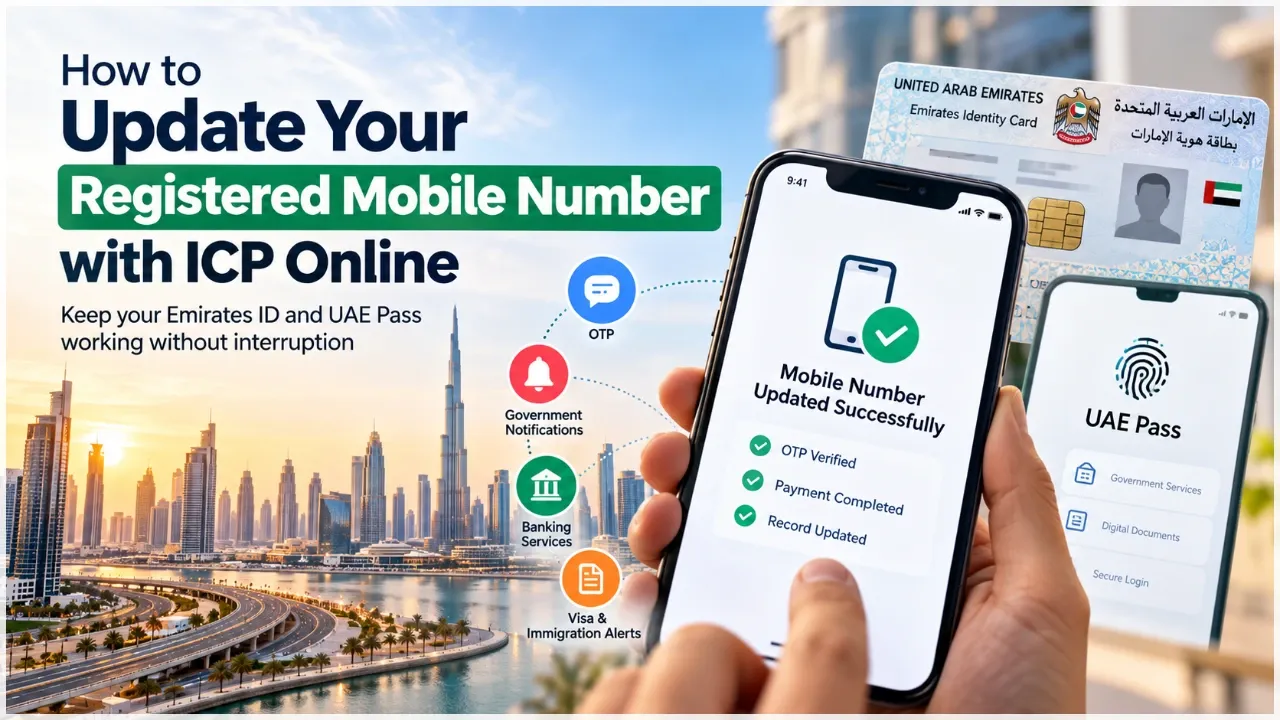
In the United Arab Emirates' highly advanced digital government ecosystem, your registered mobile phone number is far more than a simple telecommunications contact; it represents your primary digital identity gateway. The Federal Authority for Identity, Citizenship, Customs and Port Security (ICP) links each resident's 15-digit Emirates ID directly to a single, verified mobile phone number in the national population registry. This registered number serves as the mandatory recipient for all One-Time Passwords (OTPs), biometric authentication prompts, official government notifications, immigration status updates, and digital document signatures executed through the national UAE Pass platform.
However, residents frequently change mobile network providers, upgrade corporate telecom plans, or misplace SIM cards. When your registered mobile phone number in the ICP database becomes obsolete, inactive, or disconnected, the administrative consequences are immediate and severe. You become unable to access the UAE Pass application, sign commercial leases via Ejari, authorize corporate bank transfers, renew trade licenses, or access government portals like GDRFA, MoHRE, and the Federal Tax Authority. Fortunately, the ICP provides a rapid, secure digital mechanism to update your registered mobile phone number online without visiting an in-person customer happiness center.
Why Keeping Your Registered Mobile Number Updated Is Critical
Maintaining an accurate mobile phone number on your Emirates ID record is a vital personal and corporate compliance responsibility:
- UAE Pass Digital Authentication: UAE Pass requires instant biometric or SMS OTP authentication to access hundreds of federal and local government smart services. An outdated number blocks account logins completely.
- Immigration & Visa Alerts: GDRFA and ICP dispatch automated SMS reminders regarding visa renewal windows, entry permit approvals, and grace period countdowns directly to the registered number.
- Banking & Financial Security: Commercial banks periodically re-authenticate client profiles by prompting verification through UAE Pass or ICP-linked mobile numbers. Failure to verify triggers compliance freezes on corporate and personal accounts.
- Government Fines & Traffic Notifications: Dubai Police, RTA, and municipal authorities transmit real-time violation notices, vehicle renewal reminders, and municipal clearances to your official mobile record.
- Labor & MoHRE Contract Notifications: The Ministry of Human Resources and Emiratisation sends employment contract approval OTPs and Wage Protection System (WPS) notifications to your registered number.
Step-by-Step Online Guide to Updating Your Mobile Number with ICP
The Federal Authority for Identity, Citizenship, Customs and Port Security provides a streamlined digital service allowing residents to update their registered contact details within minutes.
Step 1: Accessing the Official ICP Smart Services Portal
Visit the official ICP Smart Services website (smartservices.icp.gov.ae) or download the "ICP UAE" mobile application. Navigate to the public services directory and select the service titled "Update Personal Information" or "Change Mobile Number".
Step 2: Entering Personal Identification Details
Carefully input your personal identification data as recorded in the national identity database:
- Current Nationality (as shown on your passport)
- Current Emirates ID Number (the 15-digit number starting with 784)
- Full Name in English (matching your passport biographical page exactly)
- Date of Birth (Day / Month / Year)
- Passport Number and Expiry Date
- Unified Number (UID) or File Number (found on your residency visa document)
Step 3: Entering the New Mobile Phone Number
Input your new, active UAE mobile phone number (registered under your own name with e& / Etisalat or du). Ensure that the SIM card is inserted into an active mobile phone and capable of receiving SMS messages immediately.
Step 4: OTP Verification and Confirmation
The ICP automated system dispatches a secure One-Time Password (OTP) via SMS to the newly entered mobile number. Enter the received OTP into the portal verification box within the active countdown window to authenticate that you possess physical custody of the mobile line.
Step 5: Fee Settlement and Instant Registry Synchronization
Review the application summary and proceed to the secure digital payment gateway. Settle the nominal statutory administrative fee using a credit or debit card. Once payment is confirmed, the ICP database updates your record instantly. An official confirmation SMS and email containing the transaction reference number are dispatched immediately.
Troubleshooting Common Technical Hiccups
While the online update service is highly reliable, residents occasionally encounter administrative roadblocks:
| Common Technical Issue | Root Cause | Recommended Corrective Action |
|---|---|---|
| Name / Data Mismatch Error | Discrepancy between English spelling on passport and ICP registry records | Check previous visa documents or visit an accredited typing center to cross-reference your exact system spelling |
| SIM Not Registered in Applicant's Name | Mobile number registered with telecom provider under a different individual's Emirates ID | Visit a telecom store (e& or du) with your original Emirates ID to transfer ownership of the mobile line to your name |
| Delayed OTP Delivery | Network congestion or telecom spam filtering blocking automated shortcodes | Restart your mobile device, verify cellular reception, or retry during off-peak hours |
| UAE Pass Fails to Sync Automatically | Local application cache retaining the previous registered mobile number | Log out of UAE Pass, reinstall or update the app, and re-authenticate using the newly updated ICP phone number |
Updating Mobile Numbers for Golden Visa and Investor Files
For investors holding 10-year Golden Visas or commercial company trade licenses, ensuring your mobile number is synchronized across both federal (ICP) and emirate-specific (GDRFA Dubai) databases is essential. Dubai residency holders who update their number on the ICP portal should also log into the GDRFA Dubai smart application to verify that their residency file reflects the new mobile contact, guaranteeing seamless interactions with Dubai Land Department, DET, and Dubai Courts.
Synchronizing Mobile Updates Across Banking, Salik, and Municipal Portals
While updating your registered mobile phone number on the Federal Authority for Identity, Citizenship, Customs and Port Security (ICP) portal is the foundational step, residents must understand that federal identity synchronization requires proactive follow-through across external municipal and financial platforms.
To avoid unexpected operational disruptions, residents should immediately perform the following secondary updates:
- Corporate and Personal Banking KYC: Commercial banks in the UAE operate independent fraud detection systems. Log in to your online banking platform or visit an automated banking kiosk to update your registered mobile contact, ensuring two-factor authentication codes and transaction alerts arrive uninterrupted.
- Roads and Transport Authority (RTA) & Salik Tolls: Update your mobile number on your Salik toll account and RTA vehicle licensing profile to receive low-balance alerts, toll violation notices, and annual vehicle inspection reminders.
- Dubai Electricity and Water Authority (DEWA): Update your mobile phone on your DEWA customer account to ensure monthly billing invoices, emergency maintenance notifications, and Move-To/Move-Out verifications reach you reliably.
- Dubai Police Smart Services: Ensure your mobile number is updated in the Dubai Police database to receive real-time traffic fine notifications and community safety advisories.
Residents should also ensure that their primary mobile number is updated across their registered commercial utility accounts and personal telecommunications profiles. If you maintain multiple mobile lines for personal and business use, designate one dedicated, permanently active line as your primary government identity number across all ICP and UAE Pass services, preventing confusion between secondary corporate lines and personal authentication OTPs.
Furthermore, if you are traveling internationally, ensure your registered mobile number has international SMS roaming activated. Many critical banking verifications and government portal sign-ins require instant SMS OTP authentication while abroad. Maintaining active roaming on your primary UAE mobile number ensures you can access UAE Pass, authorize emergency banking transactions, and monitor immigration notifications from anywhere in the world without interruption.
Leveraging Professional Typing Center Assistance
If you encounter persistent data mismatch errors or prefer to have certified government PRO specialists manage your identity updates, visiting an accredited typing center provides immediate peace of mind. Experienced typing specialists verify your identity directly against federal immigration servers, resolve mismatched unified numbers (UIDs), and execute contact updates swiftly, ensuring your digital gateway to UAE government services remains completely uninterrupted.
Frequently Asked Questions
How long does it take for a mobile number update to reflect in ICP?
When submitted online through the ICP Smart Services portal with OTP verification, the mobile number update is processed and reflected in the national registry almost instantly.
Can I register a mobile number that is not in my name with ICP?
It is strongly recommended that the mobile number is registered under your own Emirates ID with your telecom provider (e& or du) to prevent verification errors and ensure long-term security.
Why is my UAE Pass not working after changing my mobile number?
After updating your number on the ICP portal, you may need to log out of UAE Pass, update or reinstall the mobile application, and complete face-scan re-authentication to synchronize the new contact details.
What information do I need to update my mobile number online?
You need your Emirates ID number, passport number, nationality, date of birth, and your new active UAE mobile number capable of receiving SMS OTPs.
Can an accredited typing center update my Emirates ID phone number?
Yes. Authorized typing and government service centers can access the ICP system to update your personal contact details on your behalf quickly and securely.
Need Help Updating Your Contact Records with ICP?
Right Time Government Services assists residents and corporate clients with ICP personal information updates, unified number (UID) mergers, UAE Pass troubleshooting, and Emirates ID services. Contact our typing specialists today.
Update Contact Details